Every multi-camera job we set up begins at the camera control unit, because it is where a shoot either holds together or slowly drifts apart. The CCU gives a shader remote access to iris, black level, colour balance and detail for each camera, so that five or six cameras can be made to look like one picture. We favour units that store scene files, since a stored starting point saves a surprising amount of time on a busy morning.
The first hour in a gallery is rarely about creativity. It is about getting every camera to agree on what white is, what black is and how much latitude the picture should carry. We work through that with a waveform monitor and a vectorscope rather than by eye alone, because eyes tire and gallery monitors are never perfectly matched.
A second habit is labelling. Each CCU channel is named after the position of its camera, not its serial number, so that a replacement camera can be dropped in without anyone rewriting the plan.
- Store a scene file before the first rehearsal
- Match cameras on a waveform, not by eye
- Name channels by position, not serial number
Remote pan and tilt heads let us place cameras where an operator could not comfortably stand: high on a truss, tight to a stage lip, or behind a glass screen. We choose heads for the smoothness of their slow moves and for how well they repeat a stored position, because a preset that lands a few centimetres off is worse than no preset at all.
On a studio floor we often mix remote heads with a couple of pedestal cameras. The remote positions cover the wide shots and the fixed angles, while the operated cameras follow the presenter. That balance keeps crew numbers modest without making the programme feel static.
Cabling is the quiet half of this work. A single fibre or composite run carrying video, power and control cuts the cable count considerably, and it makes the rig far quicker to strike at the end of a long day.
- Test preset repeatability before the audience arrives
- Keep heavy remote heads close to a solid mounting point
A vision mixer is a simple idea carried out under pressure. The panel has to be laid out so that the director and the vision mixer share a language, with every source named clearly on the buttons and a consistent order from camera one upwards. We spend time on that labelling because a mislabelled source costs far more than a slow cut.
We also prefer to build the transitions in advance. Mix times, wipe patterns and keyer settings for lower thirds are stored as macros, so a routine show runs from a small number of reliable buttons rather than a clutter of improvised ones.
Tally is the last piece. Red lights on the cameras tell presenters and operators which shot is live, and we check every tally path during line-up, not only the main programme output.
- Name each source clearly on the panel
- Store common transitions as macros
- Check tally on every camera at line-up
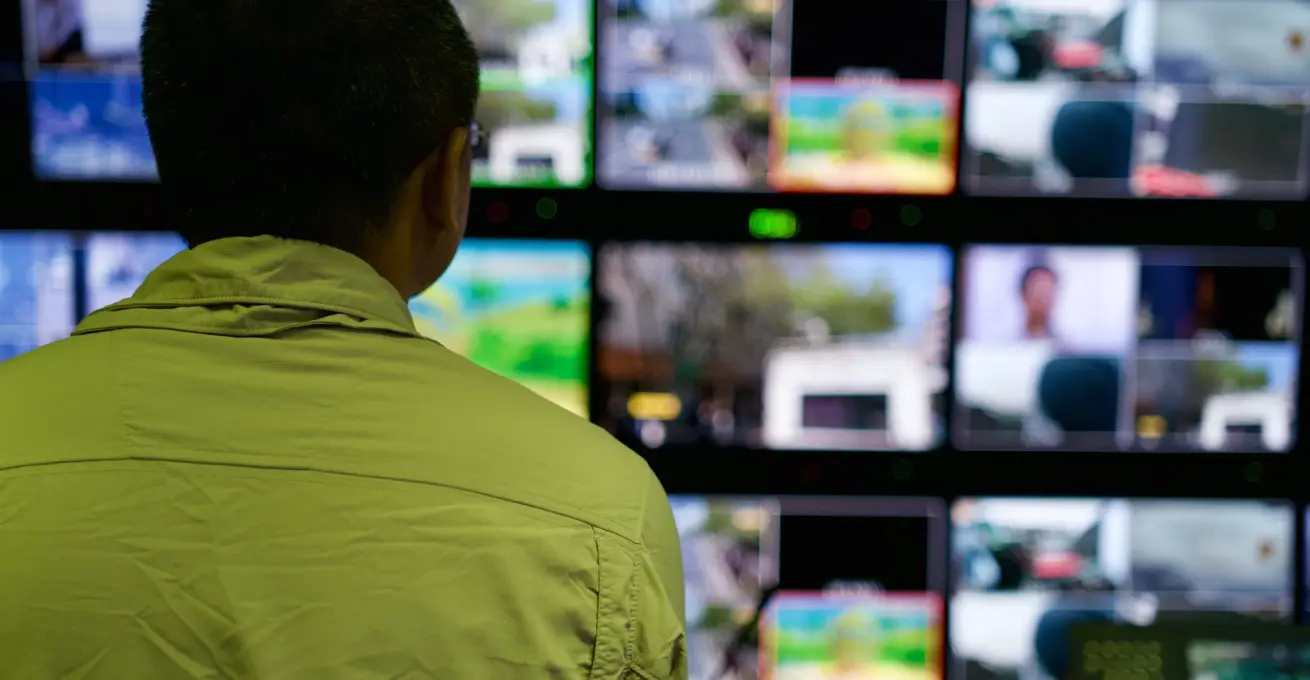
Good control depends on good monitoring. We place a multiviewer in front of the director with every camera, the preview and the programme outputs visible together, and we add a calibrated reference monitor near the shader so colour decisions are made on a screen that can be trusted.
Signal routing is documented before any equipment arrives. A short drawing showing where each camera feeds, which router outputs go to the mixer and where the returns travel saves hours when something goes wrong, and it lets a second engineer pick up the work without a long handover.
Where the budget allows, we keep a spare path ready, such as an extra fibre or a standby converter. It is seldom used, but on the days it matters it is the cheapest item on the list.
- Calibrate one reference monitor
- Draw the signal path before load-in
Tuning is where preparation pays off. We begin with a chart in front of each camera, set exposure and colour balance to agreed values, and then check the cameras against each other with the presenter or a stand-in under the final lighting.
Rehearsal exposes the problems a static line-up cannot. A dark jacket, a bright backdrop or a sudden change of stage lighting will each move the picture, and the shader needs to have seen them once before the live show. We encourage producers to allow time for at least one full run.
Afterwards we save the settings, note the lens choices and leave a short written record with the client. The next production in the same space then starts from knowledge rather than from guesswork.
- Use a chart for the first match
- Rehearse with real lighting and costumes
- Leave a written record of settings
Not every production needs a large gallery. A small studio with three cameras can be well served by a compact mixer and a modest control system, provided the cabling is tidy and the monitoring is honest. We would rather advise a smaller rig that the crew understands than a larger one that sits underused.
When we review a client's plans, we ask how many people will operate the system, how often the set changes and what the output is for. Those answers shape the equipment list far more than a catalogue does.
We also look at what can be hired rather than bought. For an occasional festival feed, hiring the heads for a weekend is often more sensible than owning them for the year.
- Match the rig to the crew that will run it
- Consider hiring for occasional events
The equipment on a camera control list matters less than the habits around it: stored settings, clear labels, documented signal paths and time to rehearse. Whatever mix of heads, units and panels a production chooses, a calm gallery comes from preparation done before the first camera is switched on. If you are planning a new multi-camera set-up this season, we are glad to look through the plan with you and talk it over.